Performance Review Software for Creative Agencies: What to Look For in 2026
A quick clarification first. This guide is about reviewing your people: how designers, writers, strategists and account leads are assessed, given feedback and helped to grow. It is not about the tools clients use to approve creative work, such as design proofing and annotation software.
Agencies are awkward to review. The same person works on several projects at once, credit for a good campaign is shared, and the best feedback happens in the middle of a deadline, not in a scheduled meeting. Off-the-shelf review forms tend to ignore all of that.
HRSpace helps with the software side: goals, review cycles, check-ins and recognition in one place, so managers are not rebuilding the picture from chat threads before each review. The rest of this guide covers what agencies actually need, how to run a review that holds up, and where HRSpace fits.
What makes agency reviews different
Work is project-shaped, not year-shaped. A review that arrives six months after a campaign asks people to remember what they did. Agencies do better with lighter check-ins tied to projects, plus a formal review that looks at patterns.
Contribution is shared. One client win or miss says little about any single person. Reviews need individual examples and project context.
Roles are very different. A designer, a strategist and an account lead need a common structure, but not identical criteria.
Peer input matters more. The people who see your work are often teammates from other disciplines, not just your manager. Vendors that focus on agencies, such as PerformYard, build around project teams and peer feedback for this reason.
What to look for in review software
- Review templates you can edit per role, so craft criteria are not generic.
- Peer or 360° input, not only manager-written reviews.
- Regular check-ins between formal reviews.
- Goals connected to the review, so next steps do not vanish.
- Recognition kept separate from the assessment.
- A record managers and employees can both find later.
If a tool cannot show your own template in a demo, keep looking.
How to run a review that holds up
You can do most of this in shared documents first. Software should make it easier, not replace the thinking.
Write down what each role owns. A short description per role: what they are responsible for, what strong work looks like, how they contribute to shared projects. Ask the employee to correct it.
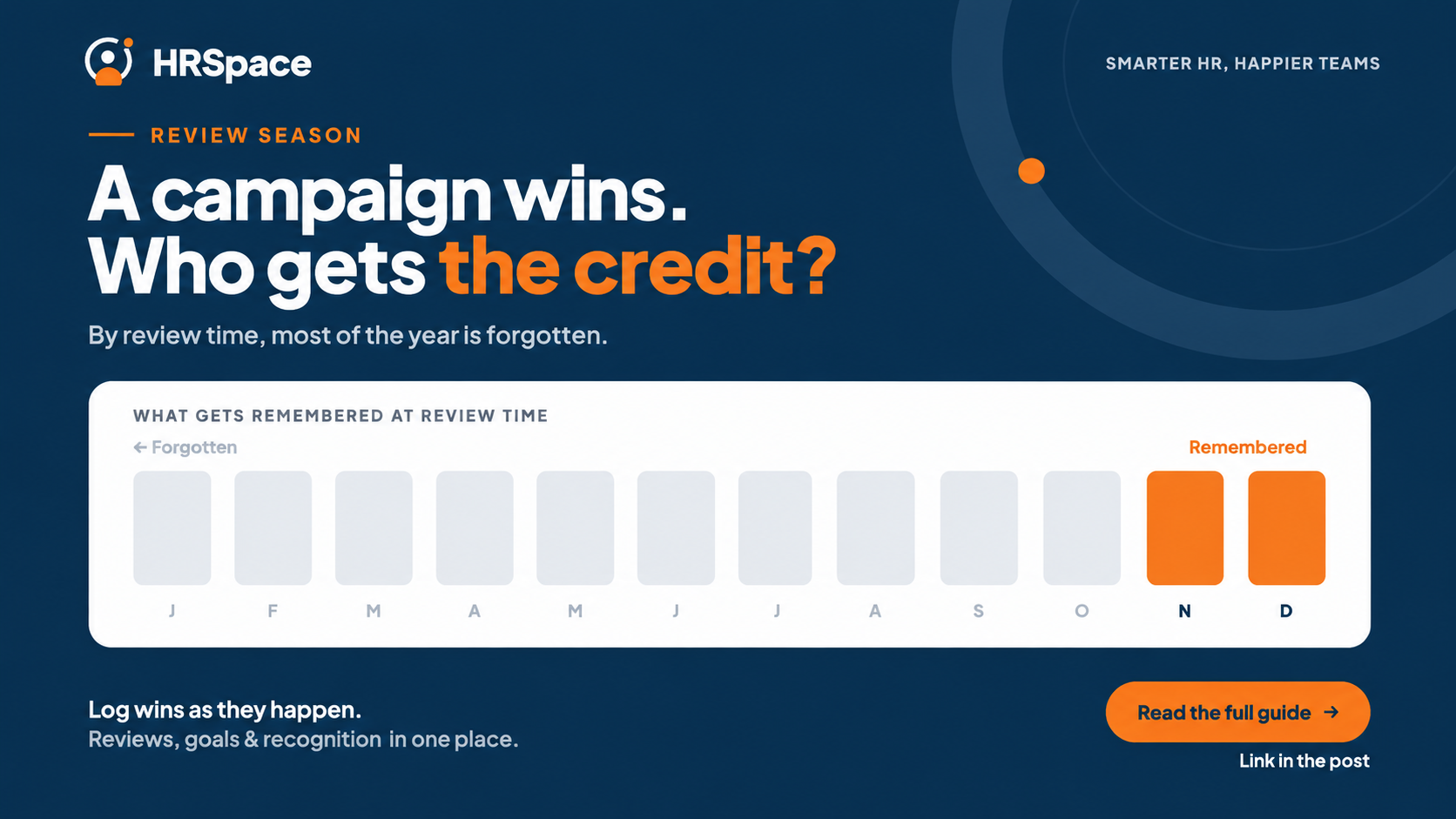
Keep evidence as work happens. A simple project log where managers and employees note contributions, feedback and scope changes. Reviews written from memory favour whatever happened last.
Review craft and collaboration separately. Someone can produce excellent work and struggle with handoffs, or hold a project together while still building skills. Two sections stop one impression deciding everything.
Give people the questions in advance. A short self-review before the meeting means the conversation starts from examples, not surprises.
End with two or three goals. Tie each to a real development need and a next step: which presentations, what practice, who gives feedback. Don't set goals that depend on winning a particular client.
Before decisions are final, read managers' reviews side by side. Different standards for the same role are easy to spot when they are together, and hard to spot one at a time.
How HRSpace makes this easier
Most of the pain in agency reviews is admin: chasing self-reviews, collecting examples, remembering what was agreed last time. HRSpace's Goals & Performance module ($1 per employee per month) covers OKR-style goals with progress tracking, 360° review cycles and check-ins, with AI-assisted drafting of goals and review feedback. Recognition & Feedback ($0.66) keeps praise in its own place, separate from the assessment.
Because it sits in the same workspace as employee records and time off, managers work from one profile instead of several documents. You switch on only the modules you need, and it is billed monthly.
For a 50-person agency, records and time off in the base layer ($50), Goals & Performance ($50) and Recognition & Feedback ($33) come to about $133 a month.
Where HRSpace may not fit
Be clear about what to test. Ask to see your own role-specific template built in HRSpace, and check whether review cycles can follow your project rhythm rather than a single annual date. If your priority is feedback collected automatically from tools like Slack or project software, a specialist review tool may suit you better.
HRSpace is a broader HR platform, so it makes most sense if you want reviews alongside onboarding, time off and employee requests. If reviews are the only thing you need, compare it with a dedicated tool.
Frequently asked questions
Is this the same as design review software?
No. Design review tools handle client feedback and approvals on creative work. Performance review software handles feedback and goals for your team.
What should a creative agency performance review cover?
Role-specific craft, collaboration, documented contributions and development goals, with project and workload context so one outcome does not stand in for a whole person.
Can an agency run reviews without software?
Yes. A shared template, a project log and a calendar are enough for a small team. Software helps once chasing and collecting take too long.
Should designers and account leads use the same form?
Share the structure and the collaboration and growth questions, but assess craft against each role's own expectations.
How do I stop recent projects dominating a review?
Keep a project log through the cycle and read it before writing the review.
Can I try HRSpace before buying?
Yes, with a 14-day free trial and no credit card.
Where to go from here
To test your own review template, start a free 14-day HRSpace trial and set up one role. If you are weighing HR platforms, see how HRSpace compares with BambooHR and Personio.
Ready to make HR the easy part?
Explore modular pricing and start a free 14-day trial.