Employee Onboarding Software for Restaurants and Hospitality
Restaurants and hotels are nearly always onboarding someone. Seasonal hiring, high turnover and several roles per site mean the paperwork, training and handoffs around a new hire repeat all year.
Most of the pain comes from unclear ownership: nobody is sure who sends the contract, who books the training, or who answers the new hire's questions. HRSpace is built to fix exactly that. Every onboarding task gets an owner, tasks can go to any team, and questions land in a tracked queue instead of a group chat. We explain how below, and where you'll need other tools too.
Search for onboarding software in this industry and you get three different kinds of product mixed together. That is why so many buyers end up unhappy. Sort them first, then choose.
Three jobs, not one tool
| Job | What it does | What to check |
|---|---|---|
| Scheduling and time | Rosters, shift swaps, clocking in | Does a new hire appear in the schedule automatically? |
| Payroll | Pay runs, taxes, tips | Does employee data flow in without retyping? |
| Onboarding and HR | New-hire tasks, documents, training, records, requests | Does every task have an owner and a visible status? |
Some products bundle two or three of these. Harri, for example, positions onboarding alongside scheduling. Payroll-first tools such as Gusto and POS-linked options such as Toast Payroll start from pay. HR platforms such as BambooHR and HRSpace start from the employee record and the people process.
No option is best in general. The right one depends on which job hurts most.
What good hospitality onboarding needs
Before comparing software, get the process right. Most onboarding failures are ownership failures, not software failures.
Split shared steps from role steps. Everyone gets the same contract, policies and handbook. A line cook, a server and a front-desk agent do not need the same training. Build one common list and add role-specific tasks: food-safety or allergen training, POS practice, uniform, key or system access.
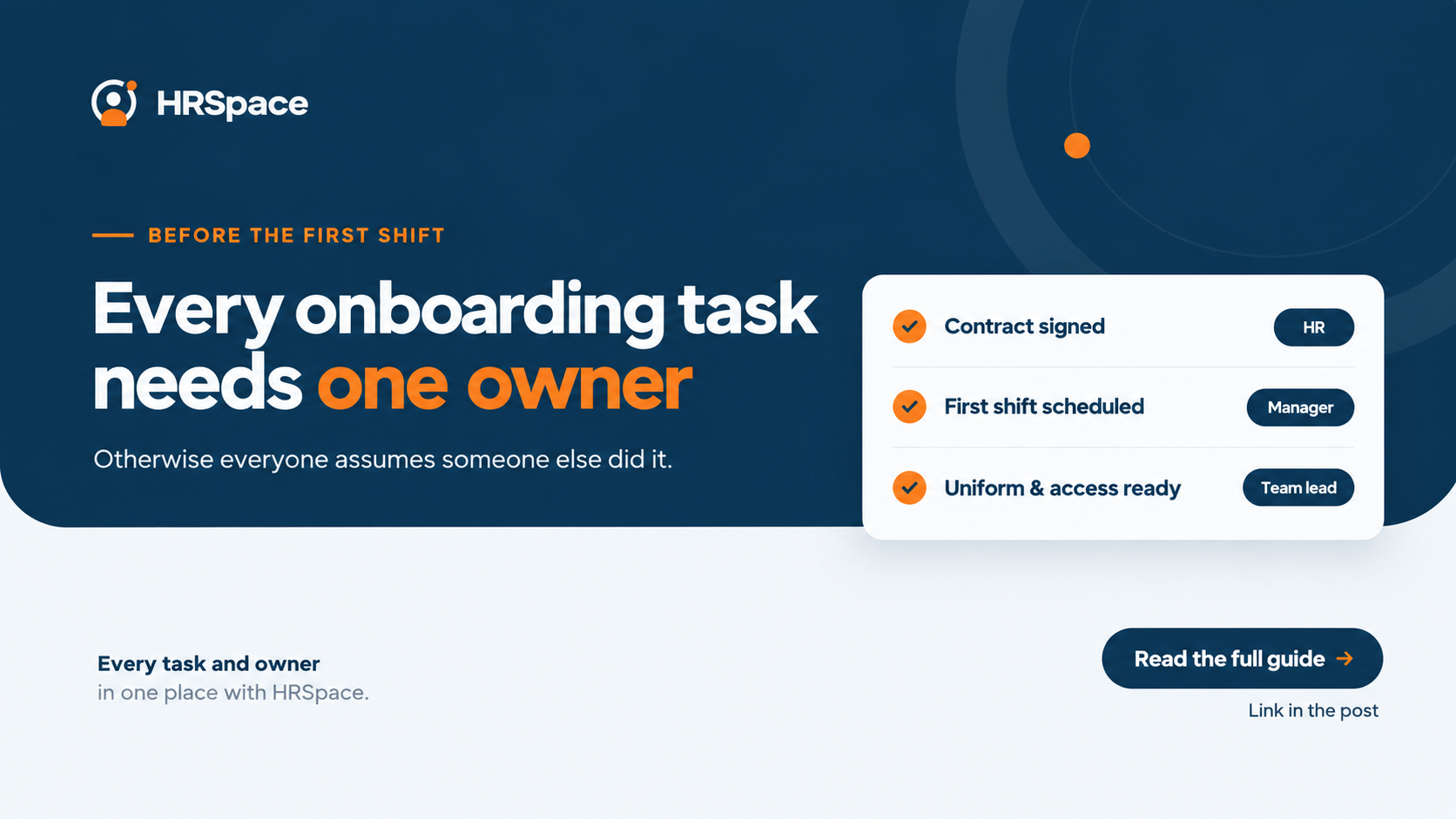
Put a name on every task. "HR will handle it" is not an owner. Decide who assigns each task, who completes it and who confirms it.
Set a first-shift gate. Agree with the location manager which tasks must be done before someone works a shift (signed contract, required certificates, work-eligibility and tax documents) and which can follow in week one. Check your own country's rules for what is legally required. Software should reflect that decision, not make it.
Give new hires a way to ask. People starting in different roles and locations have questions the checklist did not predict. Decide where those go and who answers.
How HRSpace makes this easier
Each of those four problems has a direct answer in HRSpace:
- Owners for every task. The Onboarding module ($0.50 per employee per month) assigns tasks to people, not just to HR. A chef can confirm kitchen training, IT can set up a login, and the manager sees what is still open.
- Requests that don't vanish. Onboarding tasks can feed the Service Me module ($0.50), so "prepare a uniform" or "set up a login" becomes a tracked request with routing, an SLA and an approval chain, instead of a message in chat.
- A place for the unexpected question. New hires can ask through Service Me and see the history of their request, so nobody depends on remembering a text.
- A record that continues. After week one, the same workspace holds time off, documents, goals and reviews, and recognition, so onboarding doesn't end in a dead-end checklist.
- A price you can plan around. Modules are monthly and can be switched off in quiet months. For a 50-person team, onboarding plus the base layer (records, documents, time off) is $75 a month, and adding Service Me makes it $100.
For a team that is tracking new hires in a spreadsheet and chat, this is usually the easiest upgrade.
Where HRSpace doesn't cover everything
HRSpace is an HR platform, not a hospitality workforce suite. HRSpace does not process payroll, and shift scheduling is not among its listed modules. If you need scheduling, payroll or POS integration in the same product, look at a hospitality workforce platform, or pair HRSpace with a scheduling tool and your payroll provider. It works alongside them.
It suits a hospitality group of roughly 10 to 250 people that wants onboarding, HR records and employee requests in one place.
What to look for in any software
- New hires can complete tasks and sign documents on their phone before day one.
- Tasks can be assigned to people outside HR, not only to the HR lead.
- Different checklists for different roles and locations.
- A manager view showing what is open before the first shift.
- Reminders for stalled tasks, so nobody has to chase.
- An honest answer on scheduling, payroll and POS connections, whether built in or through integrations.
Run a one-role pilot
Pick one role, such as new servers, and run the whole process for the next two or three hires. Afterward ask the manager and the new hires which steps needed explaining, which tasks were finished but nobody saw, and where work slipped into chat.
Fix the process, then add the next role. Test the same scenarios in every demo you take: a hire starting in two weeks, one blocked task, and the manager's view the day before the first shift.
Frequently asked questions
What is the best onboarding software for restaurants?
It depends on your biggest problem. For scheduling-heavy teams, a hospitality workforce platform makes sense. For payroll and tips, start with a payroll-first tool. For structured onboarding tied to HR records and employee requests, an HR platform such as HRSpace fits.
Can a restaurant onboard staff with a spreadsheet?
Yes, for a small team. It works if someone updates it consistently and follows up on blocked tasks. It stops working as locations and hires multiply, and that is when HRSpace saves the most time.
Does HRSpace include shift scheduling or payroll?
No. HRSpace does not process payroll, and shift scheduling is not among its modules. It is designed to work alongside your payroll and scheduling tools.
How should a hospitality team start?
Start with one role, name an owner for every task, agree a first-shift gate with the manager, and test with real hires before expanding.
Where to go from here
To see the onboarding flow with your own roles, start a free 14-day HRSpace trial and import a few of your team. If you're comparing HR platforms, our guides to BambooHR and Rippling may help.
Ready to make HR the easy part?
Explore modular pricing and start a free 14-day trial.