HRSpace vs Rippling: HR Software, Pricing and Scope (2026)

Published by HRSpace. Product information checked 8 September 2026. This is an editorial comparison, not an independent product test.
Choosing between HRSpace and Rippling starts with a practical question: are you replacing your people-management tools, or redesigning how HR, payroll, finance and IT work together? That decision matters more than a long feature checklist.
HRSpace is worth evaluating when you want modular people operations around your existing business systems. Rippling deserves a close look when connected HR, payroll and IT administration is central to the project. Both offer modular choices, so the difference is the scope you assemble.
What does Rippling include?
Rippling requires its platform and lets buyers select additional HR, finance and IT products, including payroll, benefits, expenses and device management. Most products use per-employee monthly pricing; some also have a base fee. Its public page directs buyers to request pricing for their configuration. An advertised entry rate is therefore not a reliable total for your company. See Rippling’s pricing overview.
How HRSpace approaches the same decision
HRSpace starts with a $1-per-employee monthly Base Layer for employee records, documents, leave, announcements and basic requests. Teams can add Onboarding at $0.50, Goals & Performance at $1, or Service Me at $0.50 per employee each month. The aim is to build around the work you actually need to run. Review HRSpace’s module pricing before choosing your mix.
For a business happy with its payroll provider, the evaluation can focus on the gaps between hiring, starting work, receiving feedback and asking for help. If your IT team instead needs employee changes to drive device and application administration, make that a separate requirement and test it directly. Document storage and asset records do not, by themselves, prove device-management capability.
Pricing example for 50 employees
- HRSpace Base Layer: 50 × $1 = $50 per month.
- Onboarding: 50 × $0.50 = $25 per month.
- Goals & Performance: 50 × $1 = $50 per month.
- Selected HRSpace package: $125 per month.
Request a Rippling quote for the exact workflows and services on your shortlist. Include required platform charges, each selected product, implementation and contract terms. This HRSpace example is an HR software budget; it is not a payroll, benefits or device-management bundle.
Where each approach may fit
Shortlist Rippling when several departments want to consolidate systems and are prepared to design shared processes together. Shortlist HRSpace when a lean HR team wants to introduce specific workflows in stages. In either case, identify who owns employee data and who resolves a failed handoff. A broad platform still needs clear operating responsibilities.
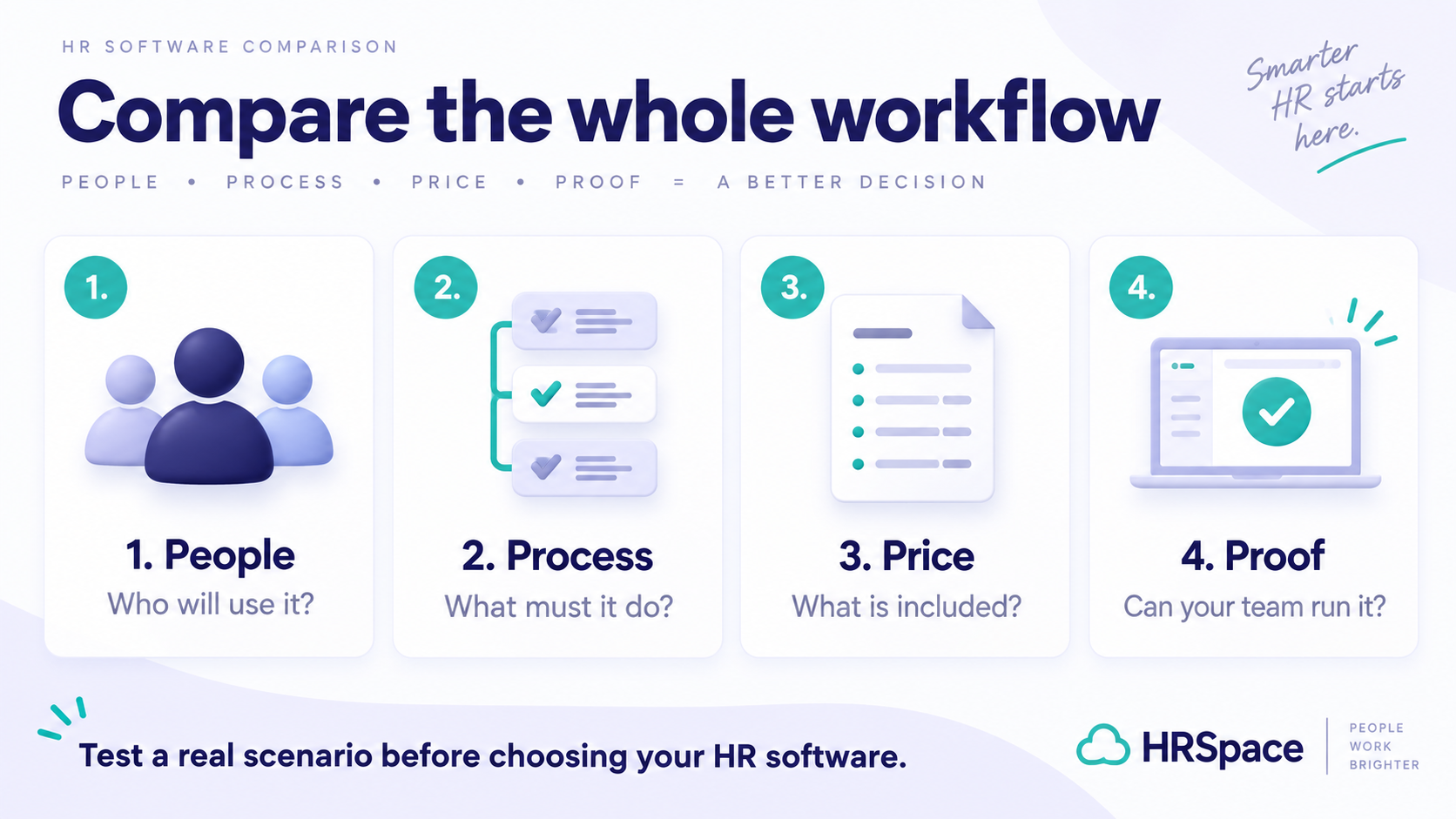
A useful demo: one new hire, three departments
Use a fictional employee starting next Monday. Ask each vendor to show the HR checklist, manager tasks and the handoff to your existing payroll and IT tools. Change the start date halfway through. Can everyone see what changed, which tasks remain and who owns them?
Then run the reverse scenario: a departure with an outstanding equipment task and a final document request. Record every manual step. Your decision should reflect the workflow your team can run reliably, not just the number of modules available.
Frequently asked questions
Is HRSpace a replacement for Rippling payroll?
This comparison does not establish payroll equivalence. Keep payroll processing and related services as separate requirements when assessing HRSpace.
Can both products be bought in modules?
Yes. Compare required foundations, optional products and the complete configuration rather than treating modular pricing as unique to either vendor.
Try the workflows your team needs
Start with onboarding, employee records and a manager review cycle. Use the same sample workflow when comparing your shortlist. Start a 14-day HRSpace trial, or request a walkthrough.
Prices and package boundaries can change. Examples exclude taxes and optional services unless stated. Confirm your headcount, billing term, region and final scope with each provider. Product names belong to their respective owners.
Ready to make HR the easy part?
Explore modular pricing and start a free 14-day trial.