Recruitment to Onboarding Workflow: From Offer Accepted to Day One
The candidate says yes. Then, for a lot of companies, nothing happens for a week.
Recruiters have done their part. HR hasn't been told. The manager assumes someone has ordered a laptop. IT hasn't heard. The new hire gets a silence, then a flurry of messages in the last two days, and arrives to find half of it isn't ready.
This guide shows how to fix that gap: what should happen between "offer accepted" and the first day, who owns each step, and how to set it up in HRSpace so the hire moves from recruiting to onboarding without anyone retyping their details. Roundups call this period preboarding.
Where the handoff usually breaks
- Details get retyped. HR copies information from the hiring tool into an onboarding sheet, and mistakes creep in. A preferred name replaces a legal name, a date is wrong, a manager is missing.
- Nobody owns the next step. Recruiting thinks the job is done. HR thinks the manager is on it. The manager thinks IT has it.
- The manager is in the dark. They can't see what is ready, so they find out on day one.
- Plans change and the tasks don't. The start date moves, but the equipment deadline and the welcome message still use the old one.
- The candidate goes quiet. Between offer and start, some people have second thoughts. Silence doesn't help.
The workflow, stage by stage
The details below are examples. Adjust timing to your hiring and local requirements.
| Stage | When | Owner | What happens |
|---|---|---|---|
| Approval and details check | As soon as the offer is accepted | HR | Confirm the hire is approved, check name, role, manager, start date and work arrangement, and look for an existing record |
| Release to onboarding | Right after | HR | Hire moves into onboarding; tasks are assigned |
| Welcome and paperwork | First days | HR | Send the welcome message and collect required forms |
| Equipment and access | About a week before | IT / facilities | Prepare equipment, accounts and building access |
| Manager preparation | A week before to the day before | Hiring manager | Plan the first week, assign a buddy, brief the team |
| Readiness check | The day before | Onboarding owner | Review what is done and what isn't |
| Day one and week one | Start date onward | Manager | Welcome, introductions, first goals, a check-in at the end of the week |
Decide what moves across
Don't copy the whole candidate record. Transfer only what onboarding tasks need: name, contact details, role, manager, start date and work arrangement. Interview notes, assessments and hiring discussions stay with the people who ran the search.
Start the process at approval, not at an interview result or an AI assessment. A human decides to hire; the workflow follows.
How HRSpace makes this easier
Recruiting and onboarding sit in the same workspace, which removes most of the retyping.
- Recruit. AI Recruitment ($1 per employee per month) covers job posts, a candidate pipeline and AI-led screening interviews. A person reviews the evidence and makes the hiring decision.
- Hand off. Once the hire is confirmed, the candidate moves into Onboarding ($0.50) in the same system, rather than into a spreadsheet.
- Assign. Each onboarding task gets an owner, and tasks can go to IT, finance or the manager, not only to HR.
- Track requests. Items like "set up a login" or "order a laptop" can become tracked requests through Service Me ($0.50) with routing and approval chains, instead of messages in chat.
- See the picture. HR and the manager can see what is done and what is open before day one.
- Carry on. After the first day, the same record holds time off, goals and reviews.
When things change
The start date moves. Don't rerun the whole workflow. Find the existing onboarding record, list the tasks affected (equipment, access, welcome message), update them, and tell the owners. Completed work should stay visible.
The manager changes. Update the owner of manager tasks and make sure the new manager has the welcome plan.
The same hire appears twice. Check for an existing record before releasing the handoff, so you don't create two onboarding sequences.
Test it before you rely on it
Run a few made-up hires, with fictitious information, through your setup and check:
- A complete hire goes through: details move, tasks are assigned, the readiness check works.
- An incomplete hire stops at the details check and goes to the right person.
- The same hire released twice doesn't create a second sequence.
- A changed start date is reflected in deadlines and messages, or has a named person to update them by hand.
The most important test is whether the process can stop. If missing information turns into assigned tasks anyway, you've moved the problem downstream.
What it costs
For a 50-person company:
- Base layer (records, documents, time off, timesheets): $50/month
- AI Recruitment: $50/month
- Onboarding: $25/month
- Total: $125/month, or $75/month if you only need the base layer and Onboarding
Billing is monthly with no setup fee, and there's a 14-day free trial with no credit card.
Frequently asked questions
What is preboarding?
The period between a candidate accepting the offer and their first day. It covers paperwork, equipment, access and keeping the new hire informed.
When should onboarding start?
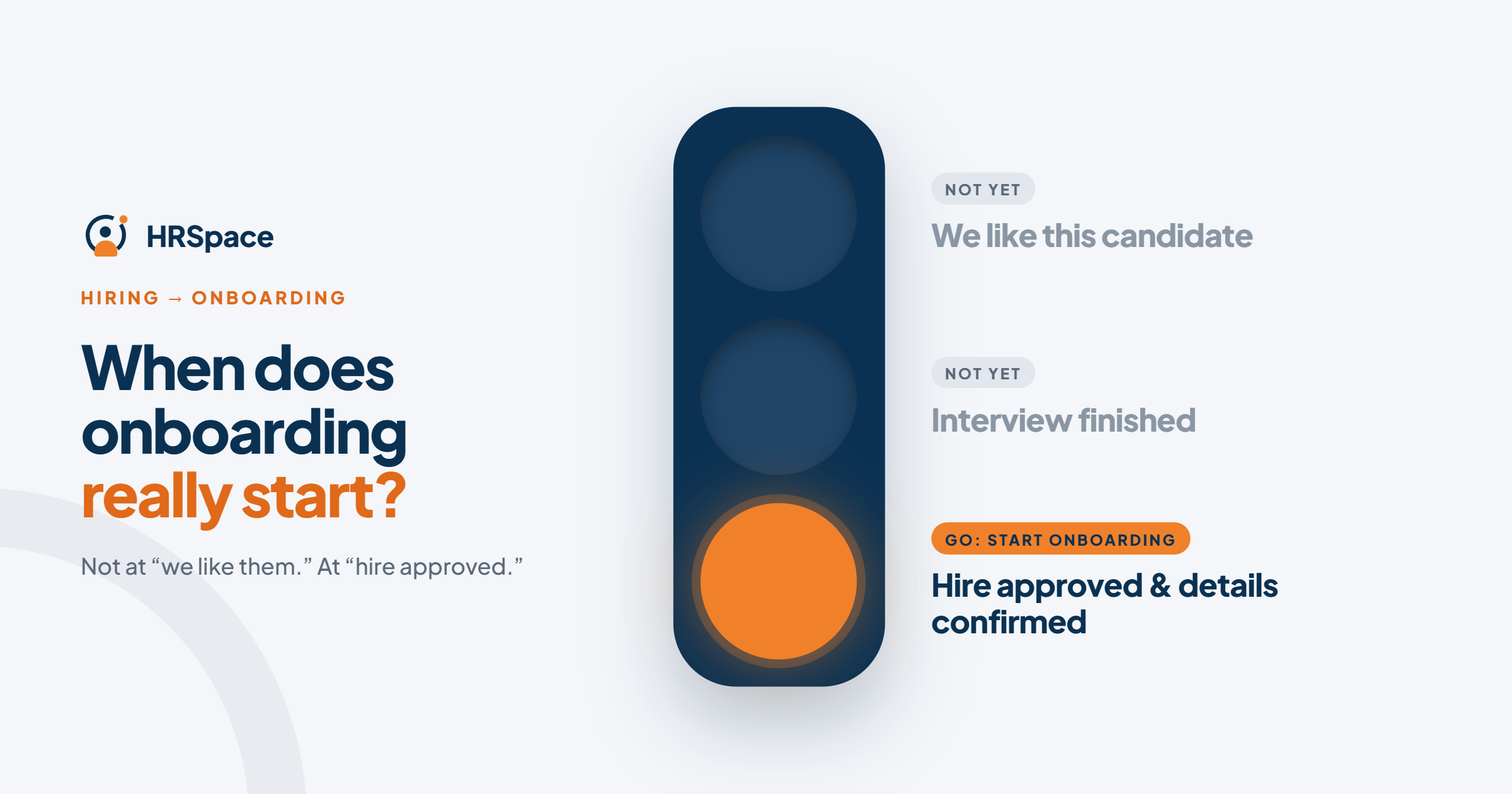
When the hire is approved and the details are confirmed, which is usually right after the offer is accepted. An interview result or AI assessment alone isn't a reason to start.
What information should move from recruiting to onboarding?
Only what onboarding tasks need, such as name, contact details, role, manager, start date and work arrangement. Keep interview notes and assessments out of general onboarding.
Should AI make the hiring decision?
No. Keep the decision with an accountable person and treat AI output as one input.
What if the start date changes?
Update the existing onboarding record and its affected tasks. Don't restart the process.
Can I try HRSpace before buying?
Yes, with a 14-day free trial and no credit card.
Where to go from here
To see how a hire moves from the pipeline into onboarding, start a free 14-day HRSpace trial or read about AI Recruitment. You may also like our guides to onboarding for hospitality teams and AI recruitment for financial services.
Ready to make HR the easy part?
Explore modular pricing and start a free 14-day trial.