No-code HR automation: 10 workflows
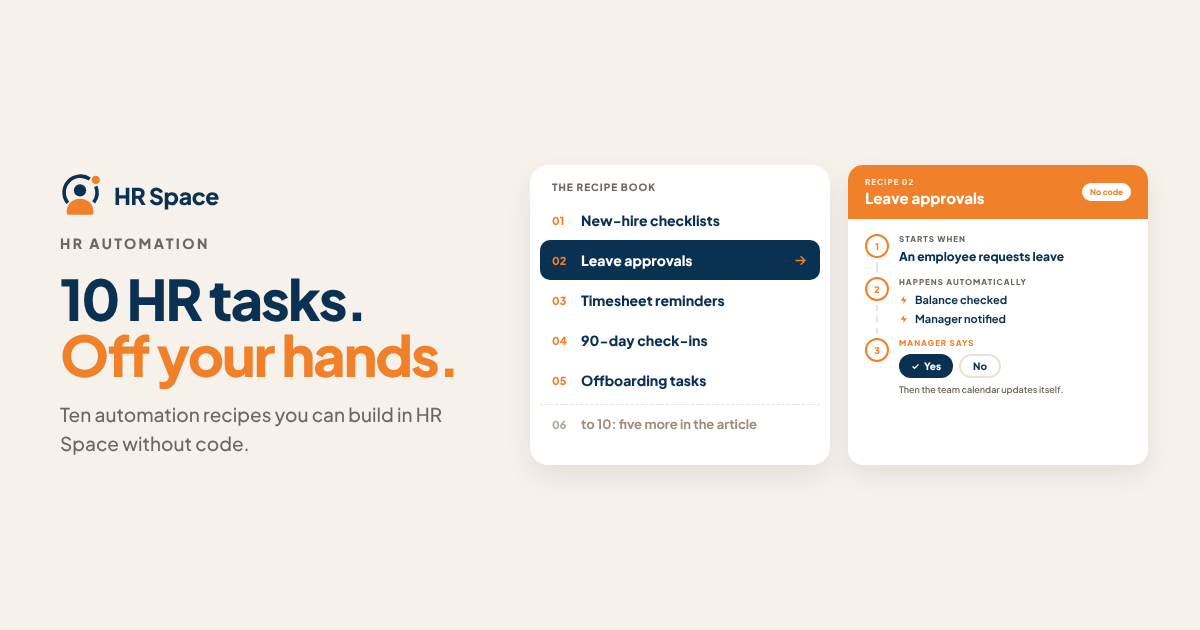
Most HR automation doesn't fail because it's hard to build. It fails because the team automated the wrong thing first: a process that changes every month, or one with no clear owner.
Quick answer: Start with workflows that repeat at least monthly, follow the same steps every time and have one clear owner. Onboarding tasks, leave approvals, review reminders and offboarding checklists are the usual winners. Build each one as trigger → automatic steps → one human approval, and test it on a real case before you switch it on for everyone.
Before you automate anything
Ask three questions about each process:
- Does it happen often enough? Something that runs twice a year isn't worth building yet.
- Are the steps the same every time? If every case is "it depends", write the rules down first.
- Who owns it? Every workflow needs a named person who fixes it when it breaks.
If a process fails any of these, fix the process before you automate it. Automating a messy process just makes the mess faster.
The 10 workflows
|
# |
Workflow |
Trigger |
What happens automatically |
Where a person approves |
|---|---|---|---|---|
|
1 |
New hire setup |
Start date confirmed |
Onboarding checklist created, equipment and access requests opened, welcome announcement drafted |
Manager confirms the checklist before day one |
|
2 |
Leave approval |
Employee submits leave |
Request sent to manager, calendar updated after approval, team notified |
Manager approves or declines |
|
3 |
Coverage check |
Leave approved for a key role |
Handover task created for the person covering |
Manager confirms who covers |
|
4 |
30/60/90-day check-ins |
Days since start date |
Check-in scheduled, short form sent to the new hire and manager |
Manager reviews answers |
|
5 |
Review cycle kickoff |
Review date reached |
Self-assessment forms sent, reminders before the deadline |
HR confirms the cycle and participants |
|
6 |
Missing timesheets |
Timesheet not submitted by Friday |
Reminder to the employee, then a note to the manager |
Manager approves submitted timesheets |
|
7 |
Candidate shortlisting |
AI interview score at or above your threshold |
Candidate moved to Shortlist, hiring manager notified |
Hiring manager decides on interviews |
|
8 |
Offer to onboarding |
Offer accepted |
Employee record created from the candidate, onboarding flow started |
HR checks contract details |
|
9 |
Request escalation |
Internal request close to its SLA |
Reminder to the owner, then escalation to a backup |
Backup owner takes over |
|
10 |
Offboarding |
Last working day set |
Access removal, equipment return and exit survey tasks created |
Manager confirms final handover |
The approval column matters as much as the automation. A workflow that approves leave on its own or moves people out of a hiring process without review saves minutes and costs trust. If approvals are already your bottleneck, read why work gets stuck waiting for approval.
Build them in this order
- Leave approval (2) first. Everyone uses it, so you'll hear quickly if something is wrong. See our time-off approval workflow guide.
- New hire setup (1) and offboarding (10) next. Missed steps there have real costs: no laptop on day one, or access left open after someone leaves.
- Check-ins and reviews (4, 5) once the basics run.
- Recruiting and service desk workflows (7, 8, 9) when those teams are ready.
An afternoon is realistic for the first two or three if the steps are already written down.
Mistakes that make automation backfire
- No test case. Run every workflow on one real employee or request before switching it on.
- Too many notifications. If people get five messages for one leave request, they stop reading all of them.
- No exit for exceptions. Every workflow needs a way for a person to step in, pause or skip a step.
- Nobody checks the run history. Look at what ran, and what failed, once a week for the first month.
How HRSpace makes this easier
Most small teams don't automate HR because the workflows would span several tools: one for leave, one for onboarding, one for recruiting and a shared inbox for requests. In HRSpace those modules sit on the same employee record, so a workflow can start in recruiting and finish in onboarding without anyone re-typing data.
HRSpace's Workflow Automation add-on includes a visual builder, AI steps, a prompt library, approval gates and a run history, so you can build the 10 workflows above without a developer and still keep a person on every decision that matters. It costs $1 per employee per month on top of the $1 Base Layer. Start with workflow 2 during the 14-day free trial and you'll know within a week whether it fits.
FAQs
What is no-code HR automation? Setting up HR processes to run automatically, using a visual builder instead of code: a trigger, a set of steps and approvals.
Which HR process should we automate first? Leave approval, because it is frequent, simple and used by everyone.
Can automation approve requests by itself? It can, but for leave, offers and hiring decisions a person should approve. Automate the routing, not the judgement.
How long does it take to build an HR workflow? A simple one takes under an hour once the steps are agreed. Agreeing the steps usually takes longer.
How much does HR workflow automation cost? It depends on the tool and team size; our HR workflow automation cost guide breaks it down.
Further reading: Best HR Workflow Automation Tools in 2026 · HR Service Desk SLAs and Escalation
CTA block: Ready to make HR the easy part? Explore modular pricing and start a free 14-day trial.
Ready to make HR the easy part?
Explore modular pricing and start a free 14-day trial.