Is HR Software Worth It for a 20-Person Startup?
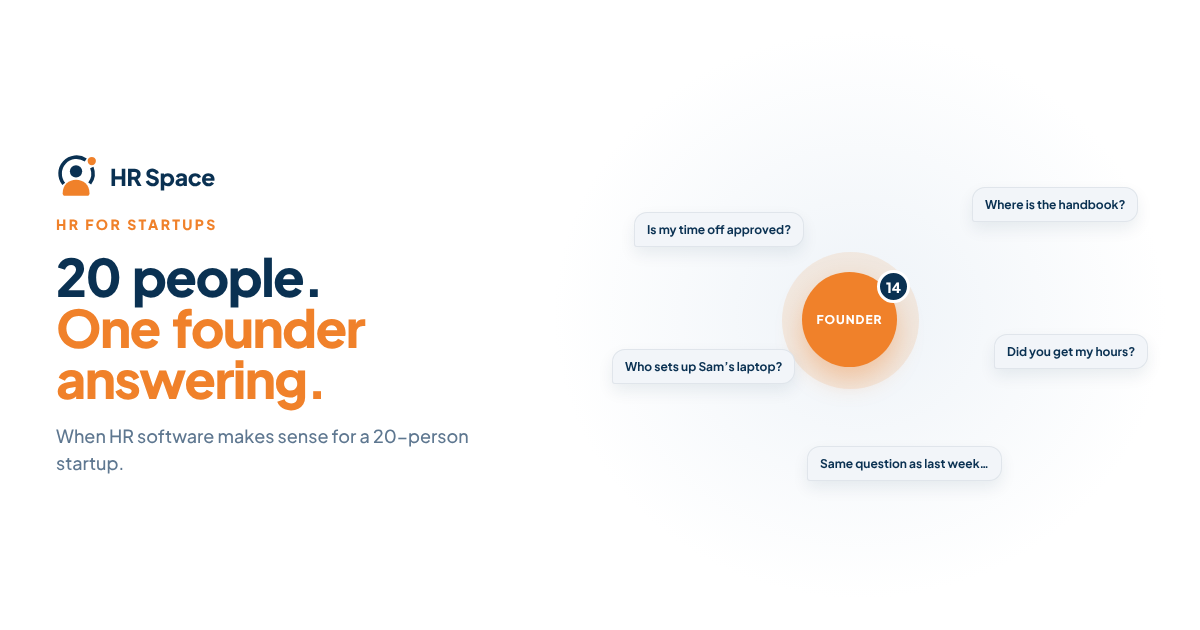
At a smaller headcount, founders often know who is taking leave, which new employee is starting, and which administrative tasks are outstanding.
As the team grows, information can become scattered across spreadsheets, email, and chat. One person may approve leave in a message while another updates the tracking sheet. New hires may receive their equipment or system access later than expected because responsibilities are unclear.
The challenge is not simply the number of employees. It is the growing number of tasks, decisions, and people involved in managing them.
HR software can help bring these processes into a more structured environment. However, the benefits depend on whether your team has problems that the selected software can actually solve.
Is HR Software Worth It for a 20-Person Startup?
It may be a good investment if several of the following situations sound familiar:
-
You hire and onboard employees regularly.
-
Time-off requests are managed through chat, email, or spreadsheets.
-
Employee questions repeatedly interrupt founders or operations staff.
-
Performance reviews and goal-setting need a more consistent process.
-
No one owns HR full-time, so administrative tasks compete with other responsibilities.
These are signs that manual processes may be creating unnecessary work.
On the other hand, a stable team with little hiring, straightforward leave management, and a reliable person overseeing HR may not need dedicated software yet. A shared spreadsheet and calendar can remain practical when the process is simple and consistently maintained.
The decision should follow the workload, not an arbitrary employee-count threshold.
HR Software vs. Spreadsheets: What Changes?
The main difference is how HR tasks are organized, assigned, and tracked.
| HR task | Spreadsheets and chat | Dedicated HR software |
|---|---|---|
| Onboarding | Checklists and reminders managed manually | Structured workflows with assigned tasks |
| Time-off | Requests and approvals spread across messages and records | Centralized request and approval processes, depending on the platform |
| Performance and goals | Documents, reminders, and manual tracking | Tools for organizing review cycles and goals |
| Employee questions | Employees contact whoever they think can help | An internal service desk can organize and route requests |
| Records of decisions | Information may be scattered across several places | Relevant records can be maintained within the platform |
The main advantages of HR software can include fewer missed tasks, more consistent onboarding, clearer responsibility, and better visibility into outstanding requests.
There are trade-offs, too. The company must pay for the software, prepare its data, configure its processes, and help employees adopt a new way of working. If the team does not use the platform consistently, the investment may not deliver the expected value.
How to Decide Whether the Cost Is Justified
Per-employee pricing can make HR software accessible to smaller teams, but the total depends on the vendor, selected modules, and contract terms.
Do not compare platforms using only the advertised price per employee. Calculate the cost of the functions you actually need and include any applicable setup, integration, or implementation expenses.
You can begin with a simple calculation:
Monthly value of time saved = hours saved per month × estimated hourly cost of the people doing the work.
Compare that estimate with the monthly cost of the software you are considering.
For example, if founders spend several hours each month answering repetitive HR questions or correcting manual records, reducing that workload may have measurable value. However, the result depends on how much time the software actually saves, whether employees adopt it, and what other costs are involved.
Use your own figures rather than relying on a generic benchmark.
For a more detailed comparison, read How Much Does HR Software Cost per Employee? and Is Per-Employee Pricing Cheaper Than Flat-Rate HR Software?.
Which HR Modules Should a 20-Person Startup Consider First?
You do not need to implement every HR function at once. Start with the processes that create the most administrative work or recurring problems.
1. Start With Onboarding and Time-Off Management
Onboarding and time-off management are practical starting points for many small teams because they address recurring employee processes.
An onboarding workflow can help organize tasks, clarify ownership, and make sure important steps are not overlooked when someone joins the company.
Time-off management can bring requests and approvals into a more consistent process, reducing reliance on scattered messages and manually maintained records.
When comparing onboarding tools, review Employee Onboarding Software Options and check how each platform handles the tasks your team needs.
2. Add Performance Reviews and Goals When You Need a Consistent Process
A 20-person startup may not need a complex performance management system. However, as managers begin conducting regular reviews or setting structured goals, dedicated tools can make the process easier to organize.
Consider this module when reviews are becoming inconsistent, deadlines are being missed, or managers lack a shared way to document feedback.
See Performance Review Software for Small Teams for features to compare.
3. Consider an Internal Service Desk When Employee Questions Increase
If the same employee questions repeatedly reach a founder, office manager, or HR contact, an internal service desk may help organize incoming requests.
Depending on the platform, requests can be routed to the appropriate person and tracked against defined service-level agreement (SLA) targets.
This becomes more relevant when informal messages make it difficult to see who owns a request or whether it has been resolved.
Read Is an HR Service Desk Worth It for Small Companies? to assess whether your team needs one.
When Is a Full HR Suite Too Much?
A comprehensive suite may include functions your startup does not need yet. If your immediate priorities are onboarding and time-off management, paying for a broader package may not make financial sense.
A modular platform allows you to focus on selected functions and consider additional modules as your processes develop.
However, modular pricing is not automatically cheaper. If you eventually need many modules, compare their combined cost with the price of a bundled package.
The important question is whether the platform matches your current requirements without making future expansion unnecessarily difficult.
Explore Modular HR Software Platforms to understand what to compare.
Can a Startup Run HR Software Without an IT Team?
In many cases, yes. Cloud-based HR platforms are often managed by HR or operations staff rather than requiring an internal engineering team.
You will still need someone to prepare employee information, configure supported workflows, manage permissions, and help users get started.
Before choosing a platform, ask what setup involves, which tasks your team must handle, and whether external technical support is required for the integrations you need.
Read Can HR Software Run Without an IT Team? for more guidance.
How Long Does Setup Take?
The implementation timeline depends on the number of modules, the condition of your employee data, and the workflows you need to configure and test.
A focused rollout may be easier to manage than introducing several processes simultaneously. You can begin with one or two priority workflows, test them with employees and managers, and expand when the initial setup is working as intended.
For a practical planning framework, see How Long Does It Take to Implement HR Software?.
Should You Wait Until Your Startup Has 50 Employees?
Not necessarily. If your current processes are already creating delays, missed requests, or unnecessary administrative work, waiting for a particular headcount may not solve the problem.
Introducing a structured process earlier can also make it easier to maintain consistent records as the team grows.
However, there is no universal threshold at which every startup needs HR software. If your current approach is reliable and the administrative workload remains low, waiting may be reasonable.
Reassess when hiring becomes more frequent, employee requests increase, or founders spend too much time coordinating routine HR tasks.
Is HRSpace a Good Fit for a 20-Person Startup?
HRSpace is a cloud-based HR platform with modular, per-employee pricing. Its available HR functions include onboarding, time-off management, performance reviews, goals, recognition, AI-assisted recruitment, and an internal service desk.
For a 20-person startup, the modular approach may be useful if the company wants to address specific HR needs without adopting every function immediately.
The decision still depends on the modules required, the total subscription cost, and the implementation work involved. Before choosing a plan, confirm current pricing and the exact scope available for your team.
Explore the platform at HRSpace.
Frequently Asked Questions
Is HR software worth it for a 20-person startup?
It can be, especially when hiring, time-off requests, onboarding, or employee questions create recurring administrative work. If the team is stable and its current processes work reliably, spreadsheets may still be sufficient.
What should a 20-person startup buy first?
Start with the process causing the most problems. Onboarding and time-off management are common starting points, but your team's actual workload should determine the priority.
Is per-employee pricing suitable for a small startup?
It can be suitable because costs are linked to employee count under the relevant pricing model. Compare the total cost of your selected modules and check how charges change as your team grows.
Does a startup need an IT team to run HR software?
Not necessarily. Many cloud-based HR platforms can be managed by HR or operations staff, although data preparation, configuration, and integration requirements still need attention.
Can spreadsheets replace HR software for a 20-person team?
They can when the team is stable, processes are straightforward, and records are consistently maintained. They may become harder to manage as requests, approvals, and responsibilities spread across several people and communication channels.
Is a full HR suite better for a startup?
Not always. A modular platform may be a better fit when the company needs only a few functions. Compare the total cost and capabilities of the selected modules with those of a bundled suite.
When is HR software not worth the investment?
It may not be worthwhile when hiring is rare, HR processes are simple, and the current approach works without creating significant administrative work or errors. Reassess as the company's needs change.
One Last Thing
Headcount alone does not determine whether your startup needs HR software. Look at where requests are stored, how approvals happen, and how much time founders or operations staff spend coordinating routine tasks.
If important information is scattered across chat messages and spreadsheets, start by identifying the process that needs the most attention. Compare the available tools, estimate the full cost, and choose a solution your team can realistically adopt.
You can also review HR Software for Startups before making a decision.
Explore HRSpace
Modular HR software for growing teams.
Related Guides
Ready to make HR the easy part?
Explore modular pricing and start a free 14-day trial.