Interview Scheduling for Small Teams Without the Email Confusion
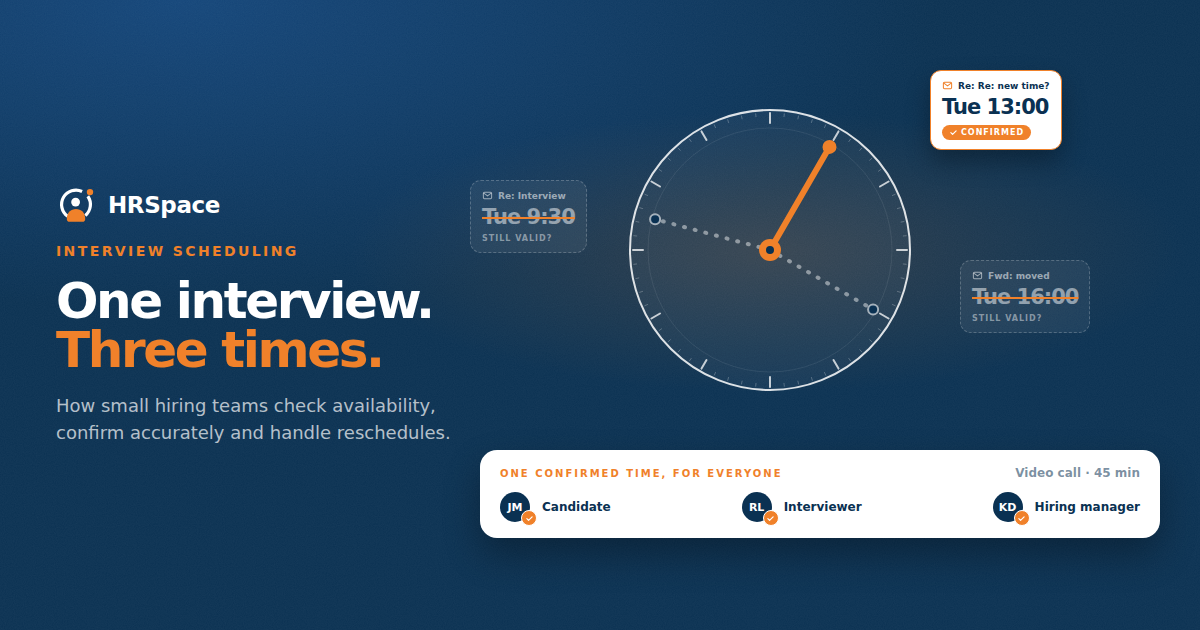
The candidate offers three times. The manager chooses one, but by the time you reply, that slot has gone. Another interviewer joins the process, the invitation changes, and someone eventually asks which time is actually confirmed.
Interview scheduling can take a surprising amount of attention in a small business. The individual messages are short, but the hiring team has to keep availability, format, and preparation consistent across them.
A clearer process begins before the first scheduling email. Agree who needs to attend, how much time the interview needs, and who owns the confirmation. Then give everyone one current arrangement they can rely on.
Decide who needs to be in the interview
Ask what the meeting is intended to assess. Choose participants who can contribute to that assessment, and identify the person leading the conversation.
Adding an interviewer late can change the agenda and create another scheduling round. If a colleague only needs the outcome, they may not need to attend the full interview. Make that decision before requesting candidate availability.
Agree the duration too. Leave enough time for the relevant questions and for the candidate to ask their own. A meeting that runs over because nobody planned the agenda can affect the candidate's workday and the team's later appointments.
Check team availability before approaching the candidate
Find workable slots for the required interviewers first. If the team can only offer a narrow window, be honest about it and ask whether the candidate can make it.
Offer reasonable alternatives where possible. A candidate who is currently employed may have limited freedom during the day. Difficulty attending one proposed time does not tell you how interested they are in the job.
Use temporary calendar holds if that fits your team's process, and label them clearly. Release the unused holds once the time is confirmed. Otherwise, a scheduling system can appear fully booked because old possibilities remain on everyone's calendar.
Put the essential details in one confirmation
Send a confirmation that someone can understand without reading the entire email thread. State the date, time zone, duration, format, participants, and joining or arrival instructions.
Include preparation only when it is genuinely required. If the candidate should review a short brief, link to the current version. If no preparation is needed, say so rather than leaving them to guess.
Check the invitation against the message. A correct email with an incorrect calendar entry still creates confusion. For an in-person interview, include the address and who to ask for. For a remote interview, verify that the joining link opens the intended meeting.
|
Scheduling detail |
What to confirm |
Problem it helps prevent |
|
Date and time zone |
One agreed time with an explicit zone |
Different interpretations of the start time |
|
Duration |
Expected length of the meeting |
Avoidable clashes with other commitments |
|
Participants |
Names or roles of the interviewers |
Last-minute changes to the conversation |
|
Format |
Remote, phone, or in person |
Unclear joining or travel plans |
|
Joining information |
Working link or arrival instructions |
Time lost finding the meeting |
|
Preparation |
Required material and purpose |
Unnecessary or incorrect preparation |
|
Contact person |
Monitored route for problems |
Nobody available when plans change |
Make time zones explicit
If the candidate or interviewers are in different locations, name the time zone and check the calendar conversion. “Tuesday at 10” is not enough when people are reading the message from different places.
Use the date as well as the day. If a thread stretches into another week, a reference to “next Thursday” can become ambiguous. Review the final invitation rather than relying on the wording in an earlier message.
When a region changes its clocks seasonally, use the calendar tool's location-based time zone where available. Do not assume the time difference is always the same. The aim is for each participant to see the intended local time for the actual interview date.
Keep changes attached to the current arrangement
When an interview moves, update the invitation and send a clear message about the change. Identify which earlier arrangement has been replaced.
Make sure the candidate and all required interviewers receive the update. A change made in a manager's private calendar does not automatically tell the candidate what happened.
If the format changes too, review the joining details and preparation. Moving from an office interview to a remote one affects more than the time field. Confirm the new arrangement rather than carrying old instructions forward.
Have a practical route for problems
Tell candidates who to contact if they are delayed, cannot open the link, or need to reschedule. That person should be available around the interview time or have a backup.
If someone does not arrive, check the invitation and contact route before deciding what the absence means. A missed meeting may result from a misunderstanding or a technical problem. Record the facts and follow up through the agreed process.
When the team needs to cancel, communicate promptly and offer the next workable step. A candidate should not learn that the meeting has disappeared by opening a calendar invitation minutes before it starts.
Use reminders to support a correct invitation
A reminder can help, but it will repeat an error if the underlying details are wrong. Check that it uses the current time, format, and link.
Keep reminders proportionate. Several messages from different tools can make a simple interview feel complicated. Decide which channel provides the main confirmation and which reminder the candidate should expect.
If the process includes a scheduling link, test what the candidate sees. Check slot availability, time zone display, confirmation behavior, and whether a reschedule updates the interviewers. The link should reduce coordination work without hiding important details.
Close the scheduling task once the interview is confirmed
Record the final arrangement in the hiring workflow. The recruiter or coordinator should be able to distinguish an interview awaiting agreement from one that is ready to happen.
After the interview, move to the feedback and decision process. A candidate left in a stage called scheduling after the meeting has taken place can confuse the next person reviewing the pipeline.
For a recurring problem, look at where the confusion began. If managers repeatedly withdraw offered times, improve availability checks. If candidates miss the location, revise the confirmation. More reminders alone may not address the cause.
Test scheduling during a recruitment demo
Take your interview process to an HRSpace Recruitment demo. Ask which scheduling functions and calendar connections are available and which steps your team would handle separately.
Try a changed time and a candidate in another time zone. Confirm where the final arrangement is visible and who receives an update. These details matter more than whether the demonstration can create a meeting in ideal conditions.
FAQ
Who should own interview scheduling in a small team
Choose one coordinator for the arrangement, even when interviewers provide their own availability. That person keeps the current details consistent and handles questions or changes.
What should an interview confirmation include
Include the date, explicit time zone, duration, format, participants, joining instructions, and a contact route. Add preparation details if the interview genuinely requires them.
Should candidates use a self-service scheduling link
It can help when the available slots are reliable and the confirmation works clearly. Test the experience and provide a contact option for candidates whose availability does not fit the listed times.
How should a team handle a rescheduled interview
Update the current invitation, notify everyone affected, and check that the old time and instructions are no longer being used. Confirm the revised arrangement with the candidate.
Review the last interview invitation
Open the most recent confirmation your team sent. Could a person join the meeting using only that message and its invitation? Add any missing detail to the process before scheduling the next candidate.
Ready to make HR the easy part?
Explore modular pricing and start a free 14-day trial.