HRSpace vs Clockify
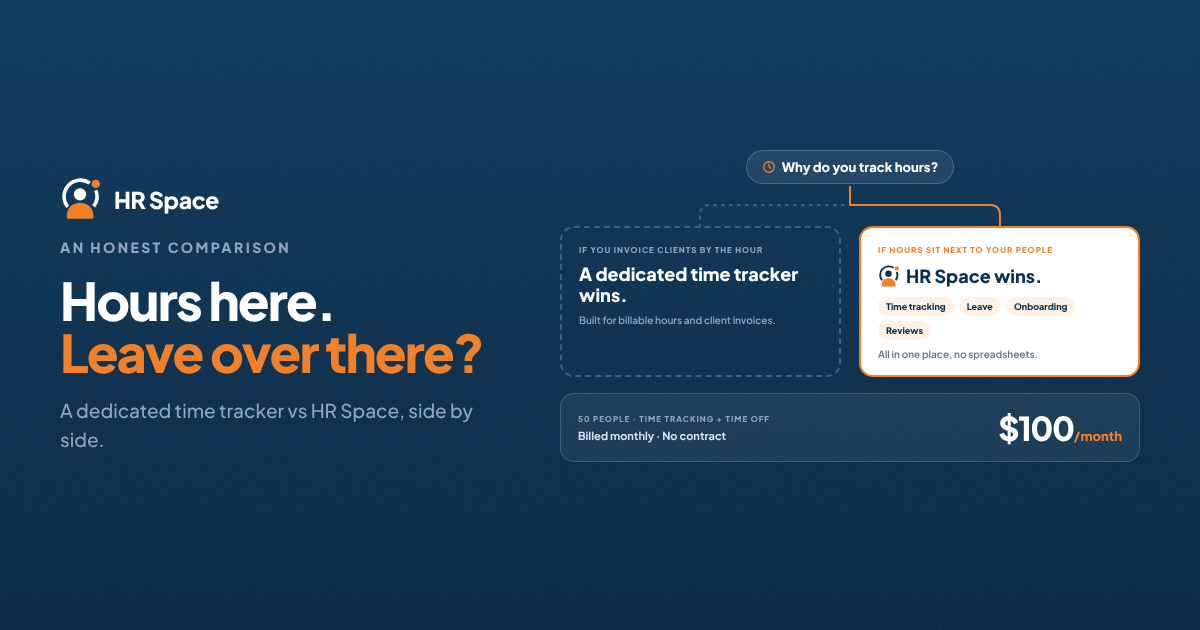
Editorial comparison by the HRSpace team. Clockify prices checked on its pricing page on 17 November 2026, in USD, excluding tax; confirm with each vendor before buying.
If your team already tracks hours in Clockify and now needs leave, onboarding or performance reviews too, you face a choice: add HR tools around Clockify, or move to a platform where time tracking is one part of HR.
Quick answer: Choose Clockify if time tracking is the main job: billable hours, client invoicing, expenses, GPS or kiosk clock-ins. It does that very well, and its free plan covers very small teams. Choose HRSpace if you need time tracking alongside employee records, time off, onboarding, performance and recruiting in one place, and want per-employee pricing that stays low as the team grows. HRSpace doesn't do invoicing or expenses, so if billing clients from tracked hours is essential, Clockify is the better fit.
At a glance
|
|
HRSpace |
Clockify |
|---|---|---|
|
Core focus |
Connected HR platform with time tracking |
Time tracking and billing |
|
Pricing model |
Per employee per month, modular |
Per seat per month, tiered |
|
Entry price |
$1 Base Layer (+ $1 Projects & Boards for time tracking) |
Free for up to 5 users; paid from $3.99/seat (annual) |
|
Billing |
Monthly, no annual contract, no setup fee |
Annual or monthly (monthly costs more) |
|
Timesheets and approvals |
Yes (Projects & Boards) |
Yes (approvals from Standard) |
|
Time off and holidays |
Yes, in Base Layer |
Yes, from Standard ($5.49/seat annual) |
|
Projects and kanban boards |
Yes |
Projects yes; kanban via the Plaky bundle |
|
Invoicing and expenses |
No |
Invoicing from Standard; expenses from Pro |
|
GPS tracking, kiosk clock-in |
No |
Yes (kiosk from Basic, GPS from Pro) |
|
Employee records |
Full employee database and documents |
User fields (Pro+), no records module |
|
Onboarding, performance, recognition |
Yes (add-ons) |
No |
|
AI recruitment and service desk |
Yes (add-ons) |
No |
|
SSO |
Google and Microsoft, in Base Layer |
Enterprise plan |
|
Free trial |
14 days, no card |
Free plan; trial of paid features |
Where Clockify is stronger
Clockify is built around time. Its Standard plan adds time off, invoicing, timesheet approval, attendance and overtime reporting. Pro adds scheduling, forecasting, expenses, budgets, labour cost and profit reports, and GPS tracking. Kiosk mode lets shift workers clock in from a shared device. For agencies and consultancies that bill clients from tracked hours, this depth is hard to replace, and HRSpace doesn't try to: it has no invoicing or expense module.
The free plan is also genuinely useful for very small teams, though its reports cover only a one-month range and export is PDF only.
Where HRSpace is stronger
Clockify knows how many hours someone worked. It doesn't hold their contract, onboarding checklist, goals or review history. As soon as you manage people rather than hours, you need a second system.
HRSpace starts from the employee record. Time tracking sits next to time off, the team calendar, the handbook, onboarding, goals and reviews, recognition, recruiting and an internal service desk. Hours logged against projects can be reviewed alongside the person's goals and workload, and a new hire's time tracking is set up as part of onboarding rather than as a separate invite. For a wider view, see timesheets that help small teams understand project effort.
Pricing: what 50 people would pay
Clockify charges per seat, and every active or invited user takes one, including owners, admins and managers. HRSpace charges per employee per active module.
Scenario A: time tracking, approvals and time off for 50 people
- Clockify Standard: 50 × $5.49 = $274.50/month billed annually, or 50 × $6.99 = $349.50/month billed monthly.
- HRSpace Base Layer + Projects & Boards: 50 × $2.00 = $100/month, billed monthly.
Scenario B: Scenario A plus onboarding and performance reviews
- Clockify doesn't offer these, so you'd add a separate HR tool on top of the $274.50.
- HRSpace adds Onboarding ($0.50) and Goals & Performance ($1.00): 50 × $3.50 = $175/month.
Scenario C: you invoice clients from tracked hours
- Clockify Standard covers it. HRSpace doesn't, so you'd keep a billing tool alongside it.
For more on pricing models, see best per-employee HR software pricing plans.
Which should you choose?
Clockify is the better fit if: you're a services business billing clients by the hour, you need expenses, GPS or kiosk clock-ins, or you have five people or fewer and only need tracking.
HRSpace is the better fit if: you're 20–200 people and time tracking is one of several HR jobs, you want leave, onboarding and reviews in the same place as hours, or you're tired of paying per seat for managers and admins in a separate tool.
If you're in between, test both with the same two-week workload: one real project, one leave request, one new starter.
How HRSpace solves the "two systems" problem
The most common setup we see is Clockify for hours plus spreadsheets for everything else. It works until someone asks why a project ran over while two people were on leave and a new hire was still being onboarded. That answer sits across three places.
HRSpace puts it in one. Hours, leave, onboarding and goals share the same employee record, so the answer is a single view instead of three exports. Pricing stays modular: start with the Base Layer and Projects & Boards, add modules only when you need them, and cancel monthly. Try it with your own team during the 14-day free trial; no credit card is needed.
FAQs
Is HRSpace a Clockify alternative? Yes for teams that need time tracking plus HR. Not for teams that rely on Clockify's invoicing, expenses or GPS.
Does Clockify have time off tracking? Yes, from the Standard plan, with policies, holidays, requests, approvals and balances.
How much does Clockify cost in 2026? As of November 2026: Free (up to 5 users), Basic $3.99, Standard $5.49, Pro $7.99 and Enterprise $11.99 per seat per month billed annually; monthly billing costs more.
Can HRSpace invoice clients? No. HRSpace focuses on HR and work management; use a billing tool alongside it if you invoice by the hour.
Can I move from Clockify to HRSpace mid-year? Yes. Export your projects and time history first, and run both for one pay period. Our guide Is switching HR software mid-year worth the disruption? covers the steps.
Further reading: HRSpace vs Personio · Best Time Off Tracking Software in 2026 · Clockify pricing page
CTA block: Ready to make HR the easy part? Explore modular pricing and start a free 14-day trial.
Ready to make HR the easy part?
Explore modular pricing and start a free 14-day trial.