HR Workflow Automation for Accounting Firms: A 2026 Guide
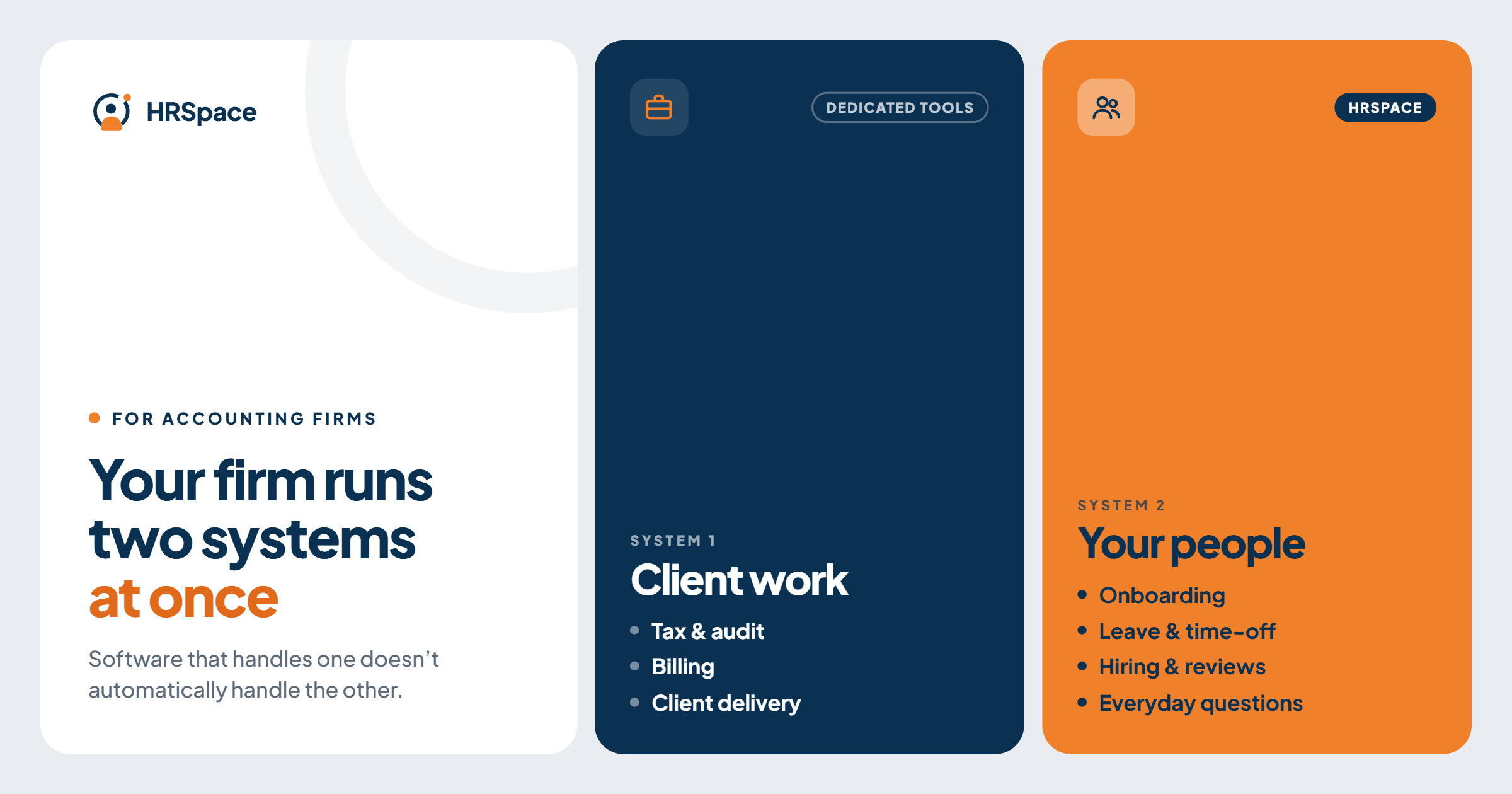
Search for workflow automation for accounting firms and almost every result is about client work: engagement pipelines, document requests, review stages and filing deadlines. Tools such as TaxDome, Karbon, Financial Cents, Canopy and Jetpack Workflow are built for that, and they do it well.
But an accounting firm runs a second set of workflows that those tools weren't designed for: the ones about your own people. New staff starting before busy season, leave requests that clash with deadlines, an IT access request that disappears into email, a review cycle nobody has time to run.
This guide is about that second set. HRSpace is built for it, and sits next to your practice-management software, not in place of it.
Two kinds of workflow
| Client work | People work | |
|---|---|---|
| Examples | Engagements, tax returns, document collection, review stages | Onboarding, leave, internal requests, reviews, hiring |
| Owned by | Partners and engagement managers | HR, operations and office managers |
| Typical tools | Practice-management software | HR platform |
| Question it answers | "Is the client's work on track?" | "Is our team set up and supported?" |
Most firms need both, and they shouldn't be forced into one purchase. Roundups of accounting workflow tools list entry prices per user, roughly from $29 to $66 per user per month, so decide what each system is for before you pay for overlap.
Where people work breaks down in an accounting firm
Seasonal hiring. New associates and interns start close to busy season, when nobody has time to chase onboarding tasks.
Leave and coverage. Time off competes with deadlines. Managers need approvals with a backup, and a clear view of who is away.
Hours and workload. Busy season stretches the week, and the firm needs a reliable record of hours worked.
Internal requests. Access to software, equipment, expense questions and policy queries land with whoever answers first.
Reviews. Everyone is too busy until the season ends, and then reviews are rebuilt from memory.
Hiring. Campus and experienced hires need a pipeline that hands over cleanly to onboarding.
How HRSpace makes this easier
HRSpace covers those people workflows in one place:
- Onboarding ($0.50 per employee per month): a task list for every new hire with owners, including IT and finance, not just HR.
- Time off and timesheets (in the $1 base layer): leave requests with approval, and a record of hours.
- Service Me ($0.50): an internal service desk with routing rules, SLA targets and approval chains, so a request has an owner and a visible outcome.
- Goals & Performance ($1): goals, review cycles and check-ins, so post-season reviews start from a record.
- AI Recruitment ($1): job posts, a candidate pipeline and AI-led screening interviews, with hired candidates flowing into onboarding.
The point isn't more software. It's that a new starter, a leave request or a question stops depending on one person's memory.
Where it doesn't fit
HRSpace doesn't manage client engagements, deadlines, document collection or billing, and it doesn't process payroll or track professional-education credits. Keep those in your practice-management system and payroll provider.
Set it up so it holds under pressure
You can design these workflows before choosing any software.
Decide what "finished" means. A closed onboarding task, an approved leave request and a resolved support ticket each need different evidence. Write it down.
Give every task an owner and a backup. A notification isn't ownership. In accounting firms, people often belong to several engagement teams, so decide who approves, and who only needs to know.
Test the exceptions. A demo of the happy path proves little. Try these:
- A new hire's start date changes after onboarding began.
- A leave request arrives when the usual approver is away.
- An IT request needs input from two people.
Check that each one still lands with a person and ends with a recorded decision.
Start with one workflow. Onboarding or leave is enough. Fix it, then add the next.
What it costs
For a 50-person firm:
- Base layer (records, documents, time off, timesheets): $50/month
- Onboarding: $25/month
- Service Me: $25/month
- Total: $100/month, $150 with Goals & Performance, or $200 with AI Recruitment as well
Billing is monthly with no setup fee, and there's a 14-day free trial with no credit card.
Frequently asked questions
What is the best workflow automation software for an accounting firm?
For client work, look at practice-management tools such as TaxDome, Karbon, Financial Cents, Canopy and Jetpack Workflow. For people work (onboarding, leave, internal requests, reviews), an HR platform such as HRSpace fits.
Can HRSpace replace practice-management software?
No. It doesn't manage client engagements, deadlines or billing. It covers the employee side.
Does HRSpace handle payroll or timesheets for billing?
HRSpace doesn't process payroll. Its base layer includes timesheets and time off. For client billing, use your practice-management or billing software.
Which workflow should we automate first?
Start with one bounded process with a clear owner, such as onboarding or leave approvals.
Can I try HRSpace before buying?
Yes, with a 14-day free trial and no credit card.
Where to go from here
If onboarding and leave are the first things that slip in busy season, start a free 14-day HRSpace trial and run one real workflow. You may also like our guides to onboarding software for restaurants and hospitality and performance review software.
Ready to make HR the easy part?
Explore modular pricing and start a free 14-day trial.