From Onboarding to the 90-Day Review: A Practical Workflow
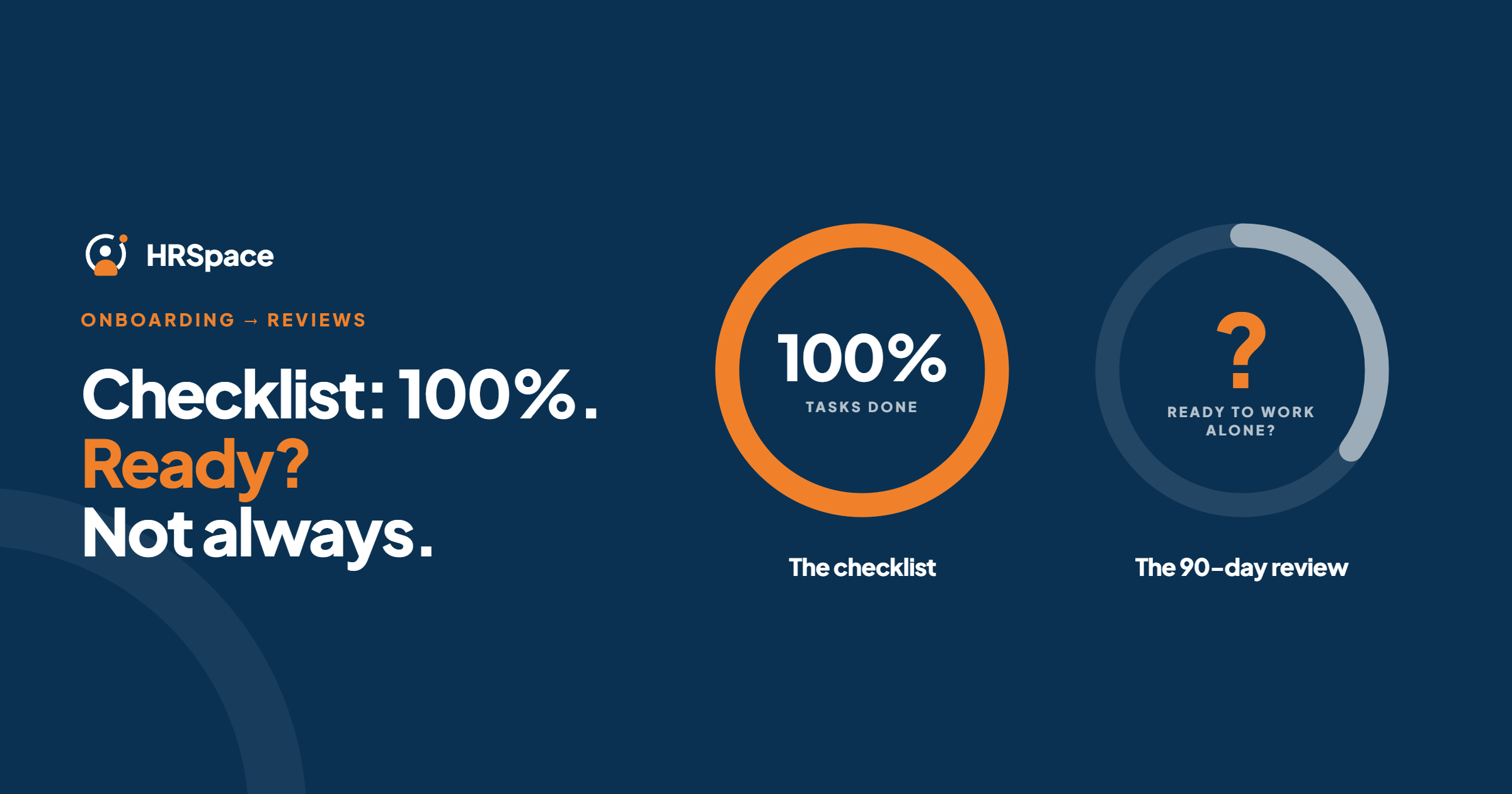
A finished onboarding checklist doesn't mean a settled new hire. Someone can complete every task and still lack the access, direction or practice they need to do the job.
The 90-day review is where that gap shows up, and it only works if the first three months were planned. This guide covers how to connect onboarding to the 90-day review: the plan, the questions to ask at each checkpoint, and how to run it in HRSpace so the context isn't rebuilt from memory.
Plan the three months, not just the first week
A common structure is learn, contribute, lead:
- Days 1 to 30: learn the role, the tools and the people.
- Days 31 to 60: start contributing real work.
- Days 61 to 90: work more independently.
Agree on this in week one. Set three to five outcomes for the first month and fewer for later months, and put all three checkpoint dates in calendars on day one, so they don't depend on someone remembering.
These intervals are a template, not a rule. Adjust them to the role and to your policies and local employment rules.
What to cover at each checkpoint
| Checkpoint | Focus | Questions to ask |
|---|---|---|
| 30 days | Onboarding experience and role clarity | Do you have the access, tools and information you need? Is anything unclear about the role? Who do you go to with questions? |
| 60 days | Progress and collaboration | How are you doing against your first goals? What work are you proud of? Where do you need more support or training? |
| 90 days | Readiness and next steps | What have you delivered? Where are you working independently, and where not yet? What should the next goals be? |
Keep the 30-day check-in about the onboarding experience, not performance. Mistakes at this point are more likely to be a system problem than a person problem.
Use shorter weekly or fortnightly one-to-ones between these meetings, so nothing in the formal reviews is a surprise.
Keep evidence as you go
A review built from memory favours whatever happened last. Instead:
- Write goals as observable work, not traits. "Handles customer escalations without help" beats "good attitude".
- Separate learning goals from delivery goals. Learning a process and producing independent work are different expectations, and a new hire shouldn't be marked down for still being in an agreed learning phase.
- Note blockers and who owns them. A missing system login or training slot belongs to the team that controls it, not to the employee.
- Record changes to expectations, with the reason and the date.
- Ask for the employee's view. A short self-review before each meeting gives the conversation a starting point.
Don't confuse tasks with performance
A completed equipment request is useful context. It isn't evidence that someone can do their job. Similarly, don't let a ticked checklist turn into a favourable rating, or an unticked one into an unfavourable rating.
Automate the coordination, such as reminders and task ownership. Keep the judgment with the manager.
How HRSpace makes this easier
Most teams lose the thread between onboarding and the review: tasks live in one place, goals in another, and review notes in someone's inbox.
In HRSpace they sit in one workspace:
- Onboarding ($0.50 per employee per month) assigns each task to an owner, including IT and the manager, with visible status.
- Goals & Performance ($1) holds goals with progress tracking, check-ins and review cycles, with AI-assisted drafting of goals and feedback.
- Service Me ($0.50) gives new-hire questions and access requests an owner and an outcome, instead of leaving them in chat.
- The employee record carries on: time off, documents and later reviews are in the same place.
At the 90-day review, the manager can see what was assigned, which goals moved and what blockers came up, without reassembling it.
Set it up
- Create the record. Confirm the start date, role, manager and HR owner.
- Decide the date rule. Are intervals calendar days or working days, and is the start date day zero or day one? Write it down.
- Schedule the three checkpoints and name an owner for each.
- Set the first goals and the evidence you'll use for each.
- Run the check-ins, recording blockers and who owns them.
- Hold the 90-day conversation. Cover progress, gaps and support, and agree the next goals.
- Record the follow-up actions with owners and dates.
When the start date or manager changes
Don't restart the process. Find the existing record, list the future tasks, check-ins and review assignments affected, update their dates or owners, and tell the people involved. Keep completed notes and their context. Check for duplicates before you close the update.
What it costs
For a 50-person company:
- Base layer (records, documents, time off, timesheets): $50/month
- Onboarding: $25/month
- Goals & Performance: $50/month
- Total: $125/month, or $150/month with Service Me
Billing is monthly with no setup fee, and there's a 14-day free trial with no credit card.
Frequently asked questions
What is a 30-60-90 day review?
A set of three check-ins in a new hire's first three months, each with a different focus, usually the onboarding experience, progress and readiness.
Should every new hire have a 90-day review?
Use one if it fits your policy and the role. The schedule is a template, not a legal requirement.
Can I automate the whole review?
Automate reminders and task ownership, but keep the assessment with the manager.
What happens if the start date changes?
Update the existing record and its dependent check-ins and tasks. Don't rebuild the process.
Who should own the handoff?
The manager owns expectations and feedback, HR coordinates the process, and other teams own the tasks and blockers they control.
Can I try HRSpace before buying?
Yes, with a 14-day free trial and no credit card.
One last check
Before closing the 90-day review, ask the employee what still prevents them from working independently. Turn the answer into an owned action with a date.
Where to go from here
To see onboarding and reviews in one place, start a free 14-day HRSpace trial. You may also like our guides to the recruitment to onboarding workflow and performance review software.
Ready to make HR the easy part?
Explore modular pricing and start a free 14-day trial.